Getting Started
How to Use eBird and Merlin to Identify and Log Birds
Learn how to use eBird and Merlin to identify backyard birds, log your sightings, and get more out of every birdwatching session.
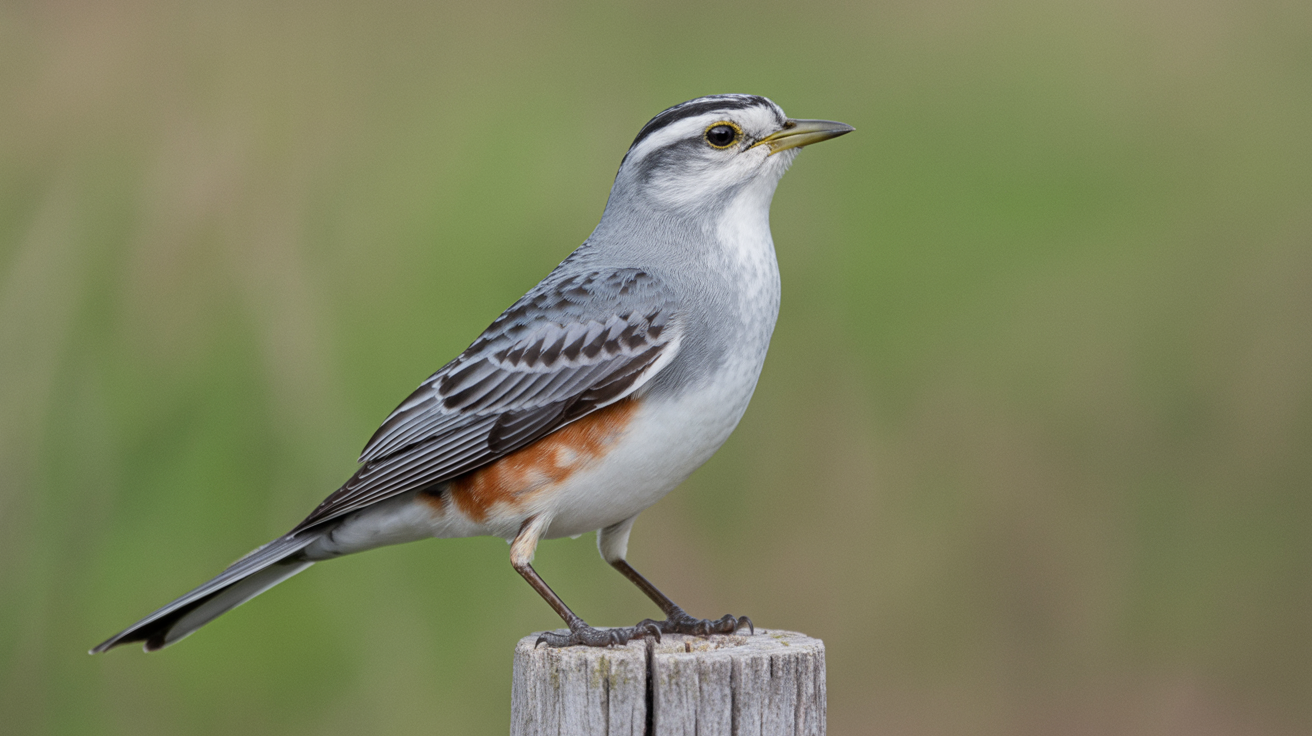
Two free tools from the Cornell Lab of Ornithology handle most of what a beginning birder needs: Merlin identifies birds on the spot, and eBird keeps a running log of everything you see. Together they cover the whole loop, from "what is that?" to "I've now seen 47 species in my yard."
What Each App Actually Does
It helps to know that Merlin and eBird are separate apps that work well together, not two versions of the same thing.
Merlin Bird ID is a bird identification app. Open it, describe or photograph a bird, and it narrows down the options based on your location and date. It also has a Sound ID feature that listens to birds singing or calling and labels them in real time. Think of Merlin as the field guide you carry in your pocket.
eBird is a checklist and data platform. You record every bird you see during a session, how many of each species, and where you were. Those records go into a global database that researchers and other birders use. For you personally, eBird builds a life list, a yard list, and yearly totals automatically once you start logging.
Neither app costs anything. Both are available on iOS and Android.
Setting Up Merlin
Download Merlin and create a free Cornell Lab account (or log in with an existing one). The first thing to do after installing is download a bird pack for your region. Without a pack downloaded, the app cannot work offline, which matters when you are standing in the yard without great cell service.
To download a pack:
- Tap the menu (three lines, top left).
- Choose Bird Packs.
- Find your region and tap Download. A North American pack runs about 200-400 MB.
Once the pack is loaded, you have three identification paths.
Photo ID
Take a photo of the bird or upload one from your camera roll. Merlin analyzes the image and offers a ranked list of possible species. It works best with a clear photo where the bird fills most of the frame, but it handles blurry shots reasonably well too. Tap each suggestion to see comparison photos side by side with yours.
Sound ID
Tap the Sound ID button and hold your phone toward the birds. The app listens and displays species names as it picks them up, with a spectrogram scrolling across the screen. This feature is surprisingly good. On a busy spring morning it can separate overlapping songs and correctly label three or four birds at once. It works for calls too, not just songs.
Step-by-Step ID
If you did not get a photo and the bird has stopped singing, use the guided questions. You answer five questions: location, date, size, main colors, and behavior. Merlin returns a short list of likely species based on what birds are actually found in your area at that time of year. This is one of the most useful features for beginners because it accounts for range, not just appearance.
Getting Started with eBird
Download eBird and sign in with the same Cornell Lab account you used for Merlin. Your sightings from both apps will sync to one profile.
Before logging your first checklist, spend two minutes on your profile settings. Go to Settings, then Checklist defaults, and set your home location. eBird will automatically suggest a location called something like "My Yard" or let you save one manually. Having a saved home location means each yard checklist takes about thirty seconds to start.
Your First Checklist
- Tap Start a Checklist.
- Confirm your location (select your saved yard spot or drop a pin).
- Choose your checklist type. For yard watching, use Stationary and note how many minutes you observed.
- Tap birds from the suggested species list as you see them, or search for a species by name.
- Enter a count for each bird. If you are not sure of the exact number, enter your best estimate. "X" (meaning present but not counted) is also an option.
- Tap Submit when you are done.
That is the core loop. Every checklist adds to your yard totals, your county totals, and your life list without any extra steps.
Reading the Bar Charts
One of the most useful parts of eBird for a beginner is the bar charts under Explore > Bar Charts. Search for your county or a nearby hotspot. The chart shows which species have been reported month by month, and how common they are relative to other observers' reports. Before you set up a new feeder type, a quick look at the bar chart tells you which seed-eating species are actually around in your area this time of year.
Using Merlin and eBird Together
The two apps hand off to each other cleanly. When Merlin identifies a bird, you can tap Log in eBird directly from the result screen. This opens the eBird app (or website) with the species pre-filled. You still enter your count and finish the checklist, but you skip the step of searching for the species name manually.
For yard sessions, the practical routine looks like this:
| Step | Tool |
|---|---|
| Hear an unfamiliar song | Merlin Sound ID |
| See an unfamiliar bird | Merlin Photo ID or Step-by-Step |
| Confirm the ID and log it | eBird checklist |
| Check what else to expect today | eBird bar chart or Nearby section |
Over a few weeks this becomes automatic. You open Merlin when something catches your attention, and you open eBird at the start and end of each sitting-and-watching session.
Tips That Save Beginners Time
Submit every checklist, even short ones. A five-minute checklist where you only saw a House Sparrow and a Mourning Dove still counts. eBird uses zero-species effort data and incomplete checklists too, so anything you submit is useful, not just the impressive ones.
Use the species filters. In eBird, when you are entering a checklist, tap the filter icon and set it to show only birds likely in your area. This shortens the list from hundreds of species to the thirty or forty you might realistically see in your yard right now.
Check the Nearby section. eBird's Explore > Nearby Locations tab shows what other birders have reported close to you in the past few days. If someone logged a species you have not seen yet, you know it is currently around.
Download Merlin packs for places you visit. If you travel or visit a park in a different region, download that region's pack ahead of time. The identification quality drops noticeably if the app has to guess without a local dataset.
Keep Sound ID running during coffee. Set your phone on the windowsill with Sound ID active while you are eating breakfast. You will pick up species you would have missed, and the app timestamps them. You do not need to sit with binoculars raised for the whole session.
Speaking of binoculars, a good pair matters more than most beginners expect. Read how to choose binoculars for birdwatching before you spend money on optics. And if you are building out your setup for the first time, the beginner birder's starter kit covers everything worth having, ranked by how much use you will actually get out of it.
If you have not set up a feeding station yet, how to start backyard birding walks through the basics before you download any app.
Frequently Asked Questions
Do I need eBird and Merlin, or will one of them do? They serve different purposes. Merlin is for identification, eBird is for logging. If you only want to know what a bird is and do not care about keeping records, Merlin alone is enough. If you want to build a life list and track what visits your yard over time, you need eBird. Most birders end up using both once they get comfortable with one.
Is eBird only useful for serious birders? No. The bar charts, nearby sightings, and personal lists are genuinely useful at any level. Even if you only watch from your kitchen window a few times a week, eBird gives you a record of what you have seen and what to expect next. The data also contributes to real bird population research, which is a reasonable bonus.
Can Merlin identify every bird? Merlin covers over a thousand species in North America and more globally. For backyard birds in most regions, coverage is complete. It sometimes struggles with birds that look very similar to related species, or with distant or backlit photos. In those cases, the Step-by-Step or Sound ID paths often work better than Photo ID.
Does eBird require an exact bird count? No. You can enter "X" to indicate a species was present without a specific number. For flock estimates, a reasonable guess is fine. The app asks for your best count, not a perfect one.
Are there privacy settings in eBird? Yes. You can mark individual checklists as hidden, which removes them from public maps. This is useful if you are logging sightings at your home address and prefer not to share the exact location. Your personal lists and totals are still visible to you; only the public map pin disappears.